
Incident history
-
We’re working on a fix for this.
-
We’re looking into this.
If links fail to work, please Save your work and refresh your browser.
Recent Fixes
-
We had an issue where a user could schedule a nested screen and then delete it. This would cause the entire container to break.
Confirmed Issues
Assemble the Jury
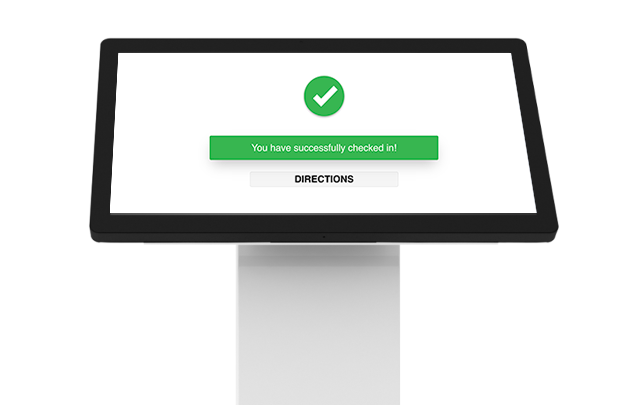
Efficiently manage the jury reception process. Upon arrival, jurors will check in at a kiosk to confirm their attendance. Once registered, they will receive customized information for the day's proceedings. Court staff can then use the juror's entry to continue processing as part of the intake form. This process ensures a smooth and organized experience for both jurors and court staff.
Juror Registration

Directions & Notifications

Concierge - Jury
Intake, Processing, & Management