
Check-in

Accelerate visitor management with

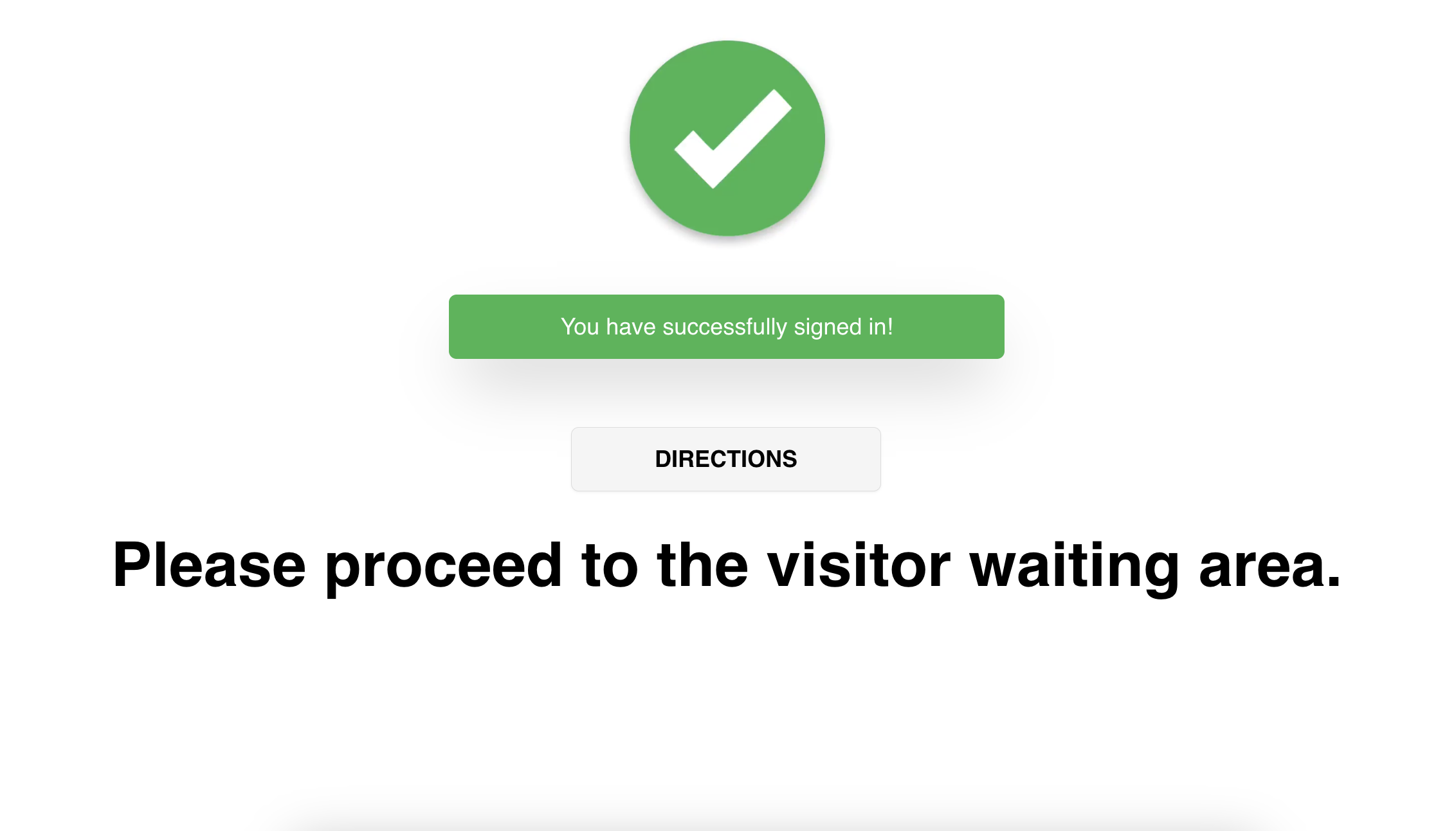
Collect Questions & provide directions
QUESTIONS
Prompt parties with additional questions during court check-in. Review their responses anytime through our platform or via email.
DIRECTIONS
After check-in, provide visitors with personalized directions based on their room location. Display custom text, images, maps, and a complete wayfinding experience.
Notifications
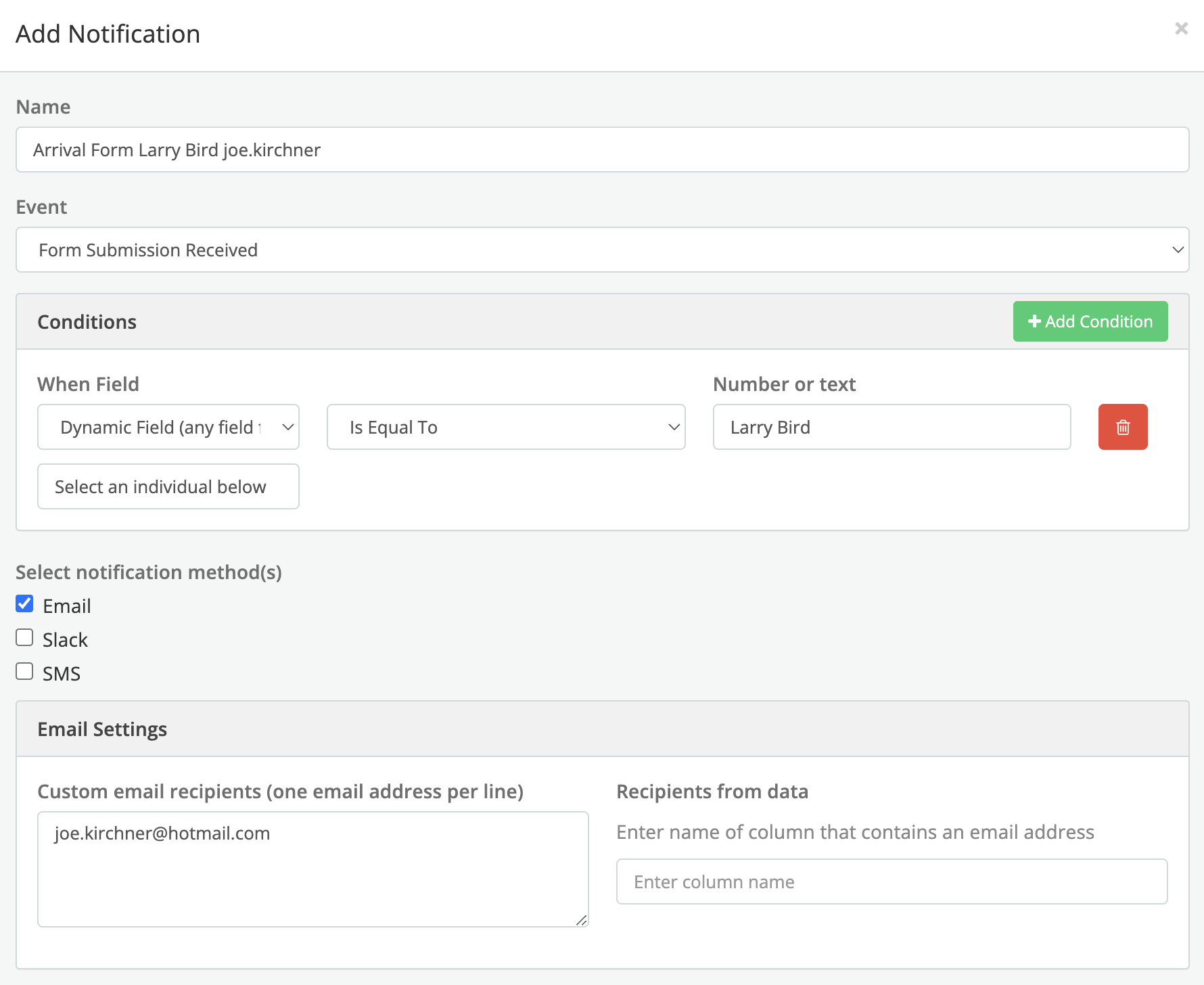
Receive notifications and customize which staff members are alerted based on case data or visitor selections.

Notifications
Send email notifications based on form input.

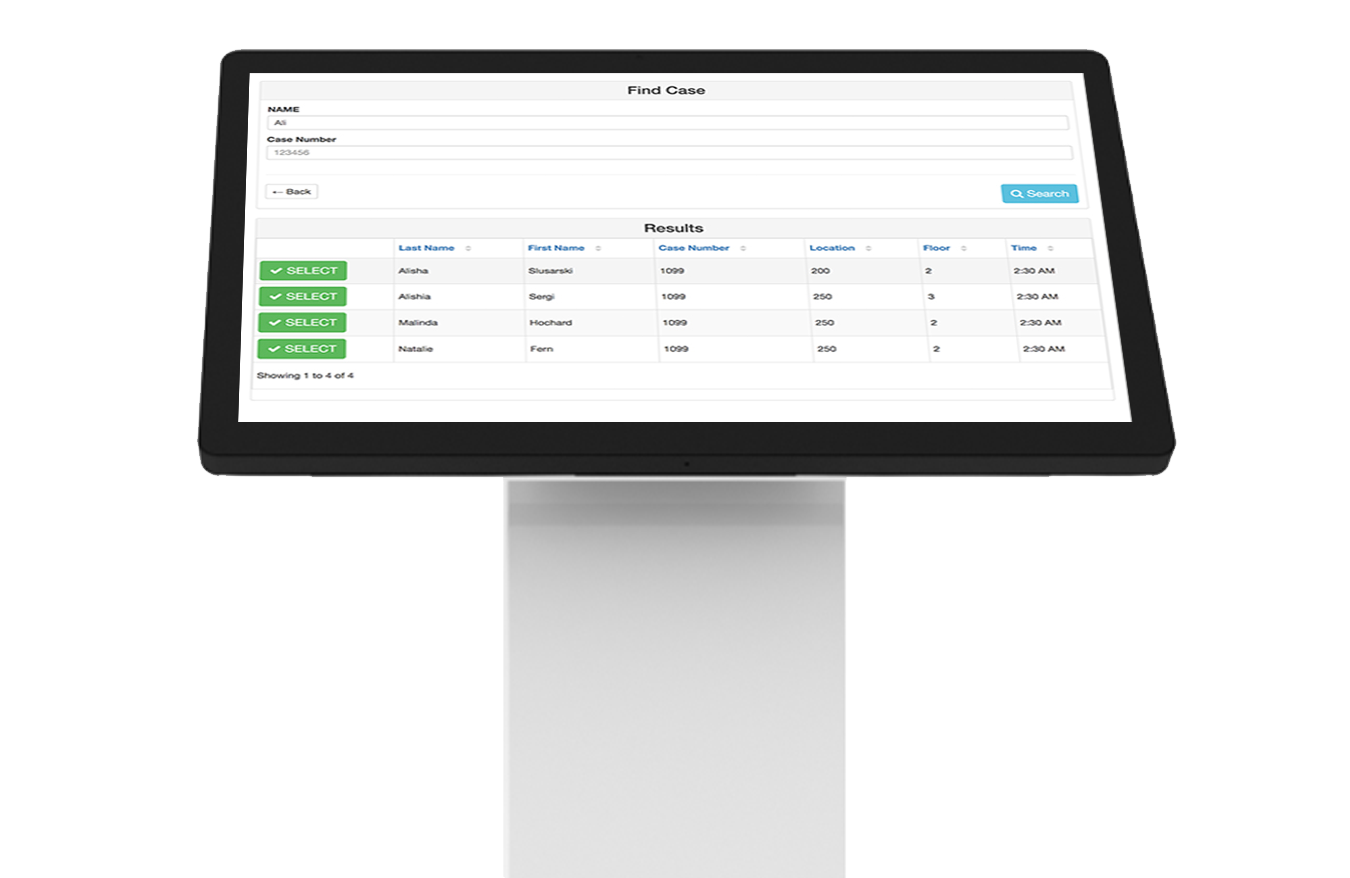
Kiosk screens
Need help with the hardware?
concierge
Take your check-in records to the next level with a Concierge account.

Account types
-
The bailiff checks in with the parties involved in each case to confirm their presence and prepare them for the proceedings.
-
Create the exact flow for handling each party type. Progress the each individual through the necessary steps and track everything through Screenseed. Reduce delays and improve the efficiency of the court system.
-
Easily bring in existing records to manage anticipated visitors flow. Alternatively, accept any type of visitor and customize their intake proceedings. Utilize kiosks to start the visitor process and let Screenseed provide your staff with the customizations geared to fit any situation.